BenQ Board Essential RE04 Series 75" UHD 4K Touchscreen Commercial Monitor
BenQ Board Essential RE04 Overview
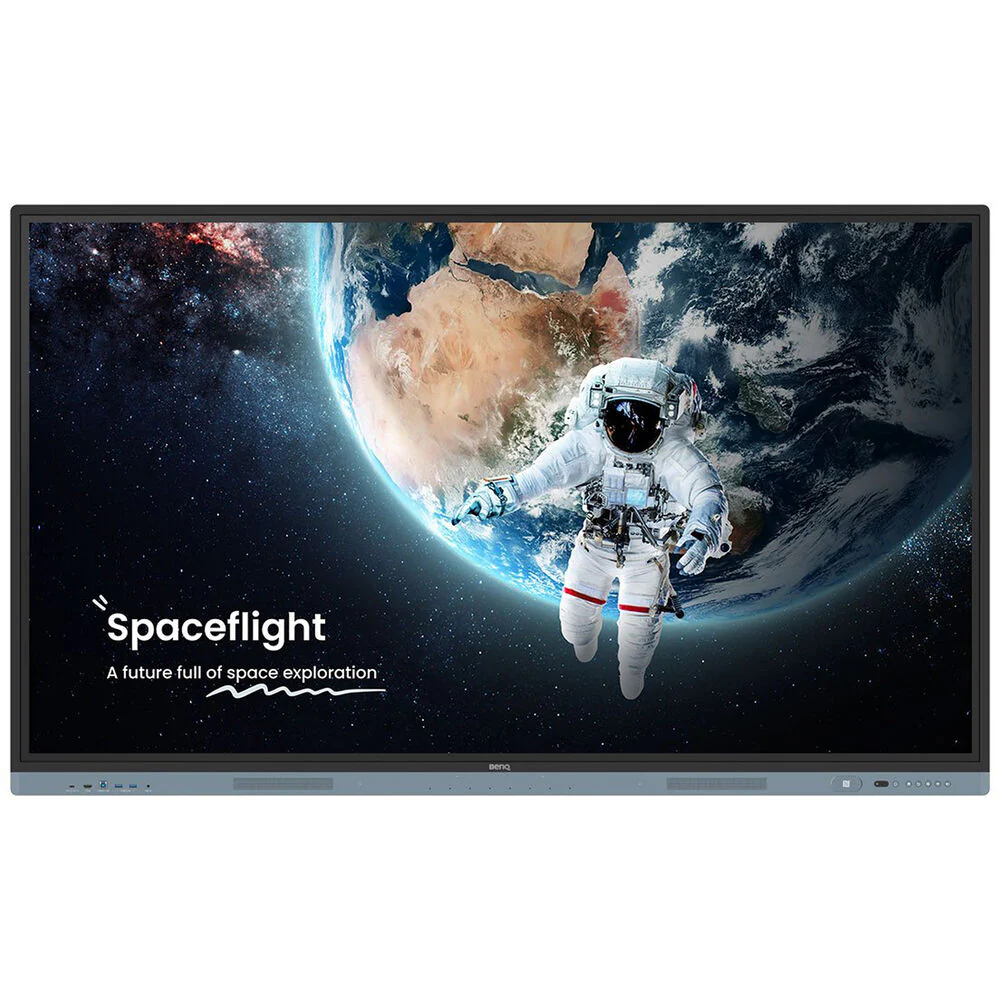
Get the tools you need for effective interactive education with the BenQ Board Essential RE04 Series 75" UHD 4K Touchscreen Commercial Monitor. The RE7504 is a 450 nits bright display powered by Android 13 OS which comes loaded with built-in access to Google apps and services.
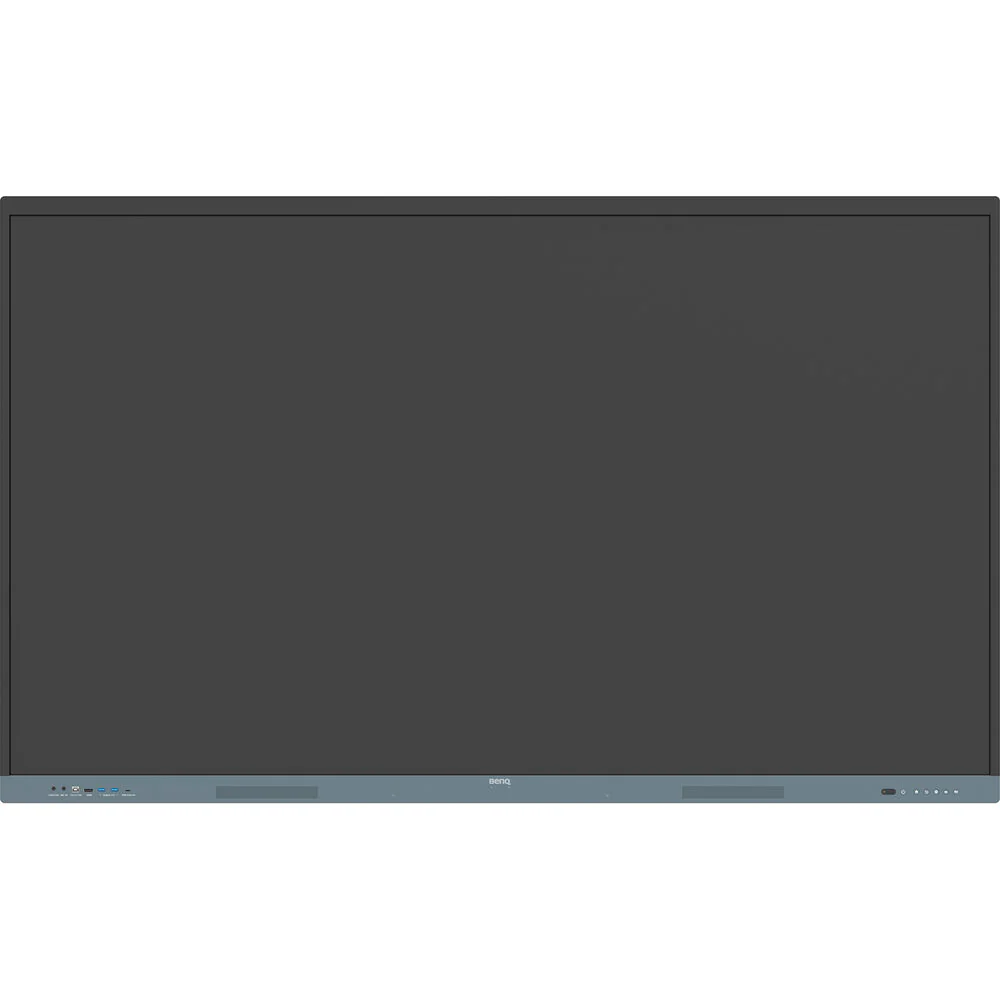
Designed for classrooms, it features up to 40 touch points for multiple users at the same time. The IR touch on zero-gap bonded glass provides a smooth and accurate interactive experience. Connect a wide variety of devices via HDMI, DisplayPort, VGA, USB-C, or wireless screenshare and annotate freely with the included EZWrite whiteboard software.
Use the whiteboard to develop ideas together for any subject, using any device, and from any location. Open PowerPoint, Word, Excel, and PDF files to teach with and make notes on during class. When you�re done, save the lesson as an editable whiteboard file to pick up where you left off or as a PDF for students to review at home.
Cloud whiteboarding lets students join the session from their seats or even from home. Remote students can use the whiteboard as if they were right on the display.
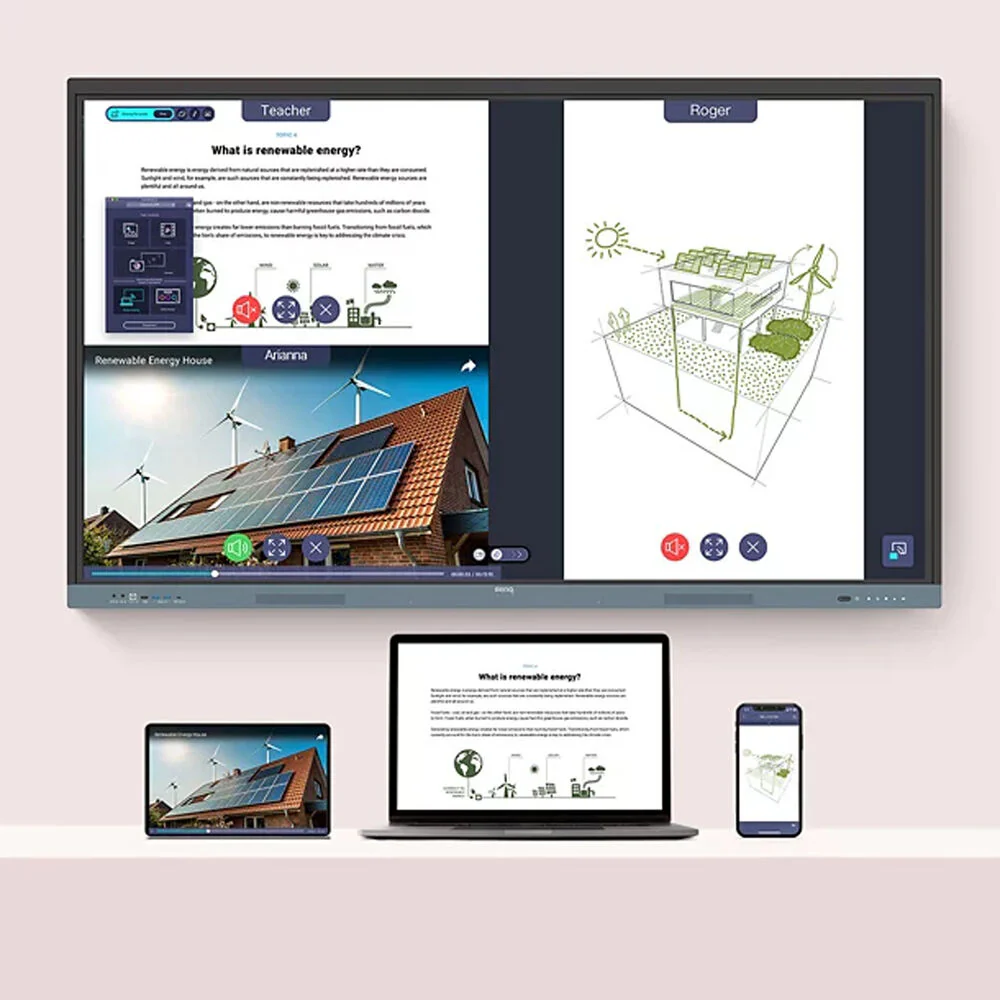
InstaShare 2 does more than screen sharing. You can also cast photos, videos, or your live camera feed for more dynamic presentations and discussions. Even with multiple students sharing, it�s easy to take control of the session on InstaShare 2. You can select which screens to show or hide, decline sharing requests, and even block inappropriate content with AI.
You can remotely monitor and manage all your BenQ devices. Install, update, and delete apps from a single dashboard that also lets you push firmware updates and set startup and shutdown times.
- Built-in dual 20W speakers
- IP5X dust protection
- Integrated Wi-Fi 6 and Bluetooth 5.2
Items Included
- BenQ Board Essential RE04 Series 75" UHD 4K Touchscreen Commercial Monitor
- Power Cord
- Remote Control
- VGA Cable
- HDMI Cable
- USB-B to USB-A Cable
- USB-C Cable
- 2 x Touch Pen
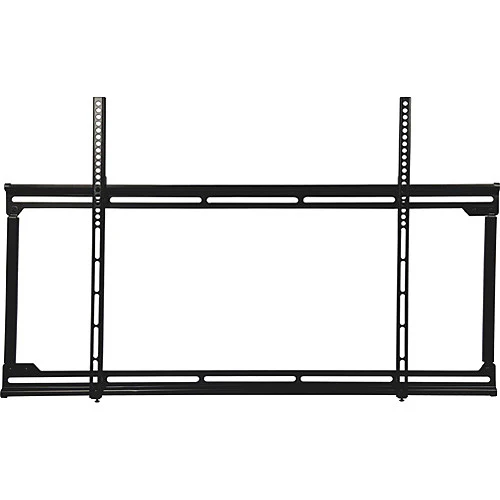
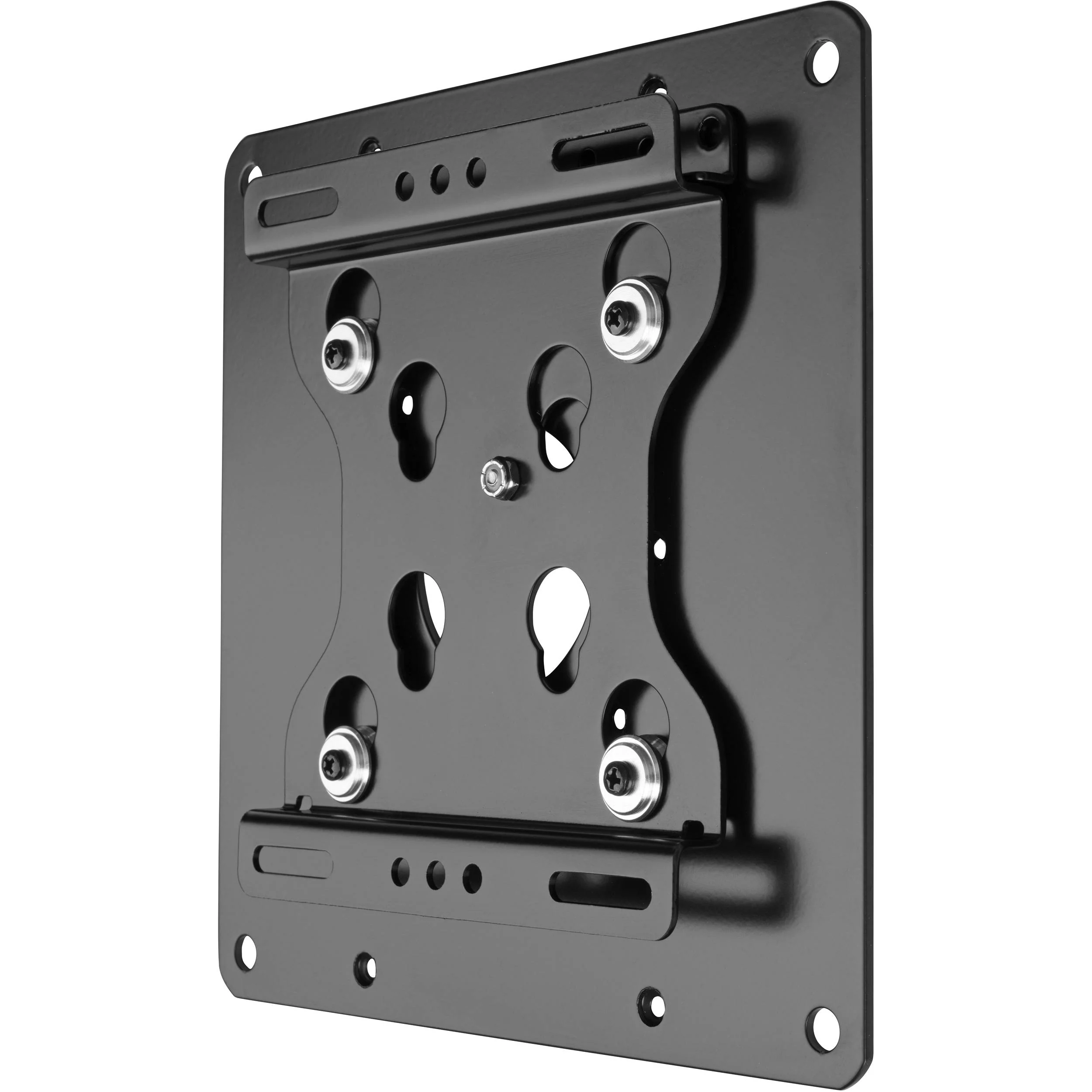
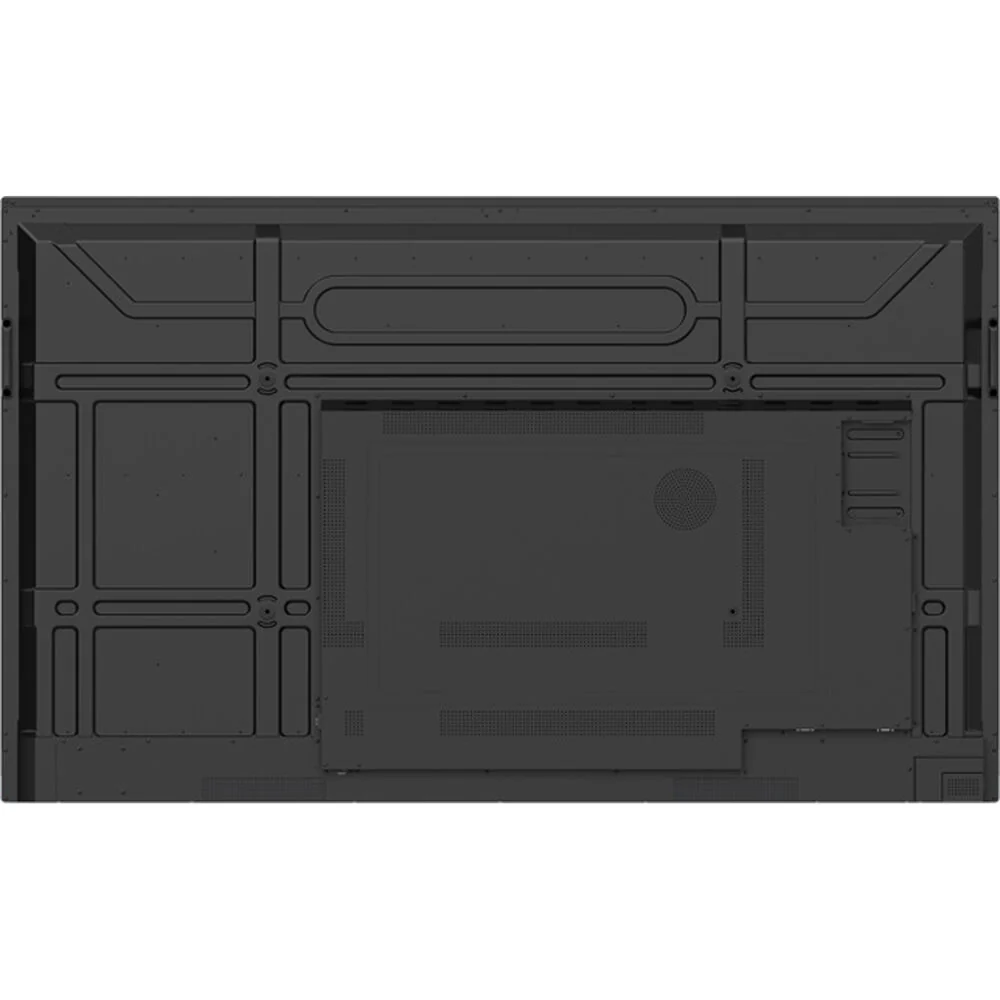
- Wall Mount with Screws
- Limited 3-Year Manufacturer Warranty
Additional Resources
BenQ Board Essential RE04 Specs
| Display Size |
75"
|
| Native Resolution |
3840 x 2160
|
| Maximum Brightness |
450 nits / cd/m2
|
| Touchscreen |
Yes, Infrared (IR)
|
| Inputs |
Front
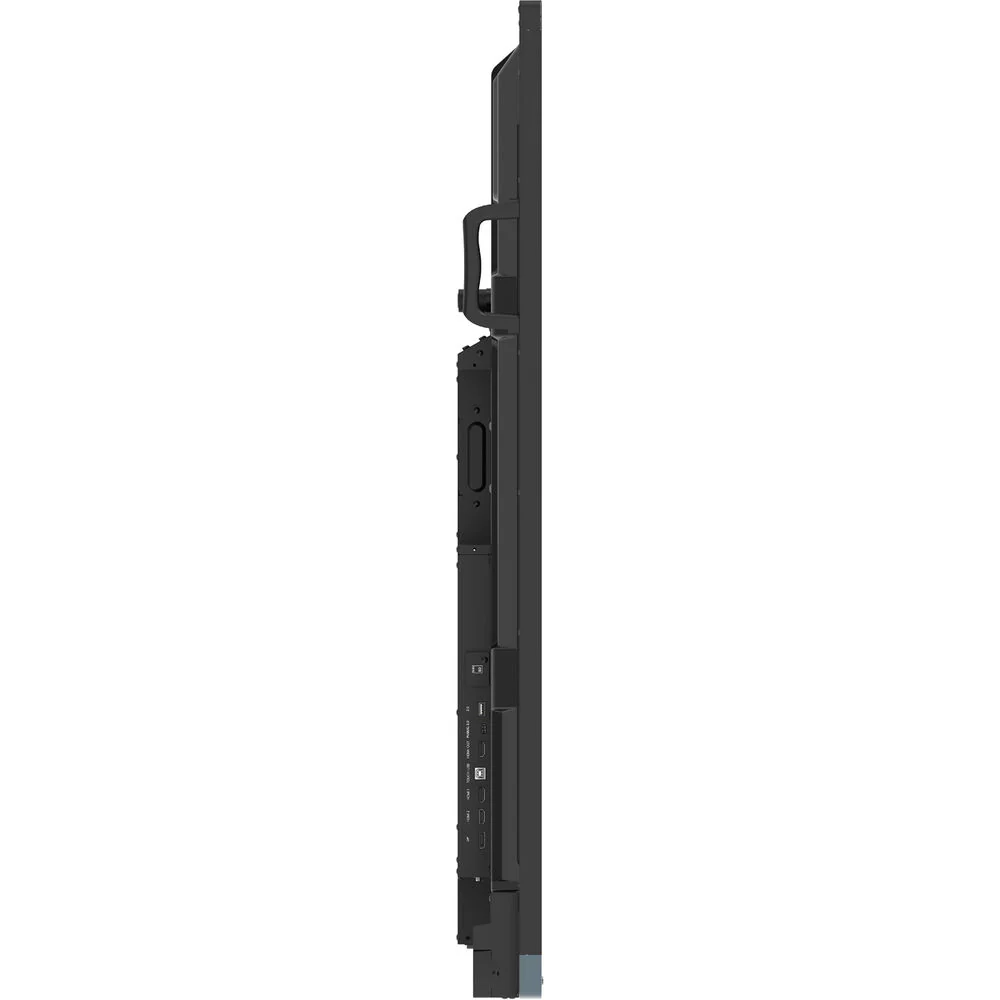
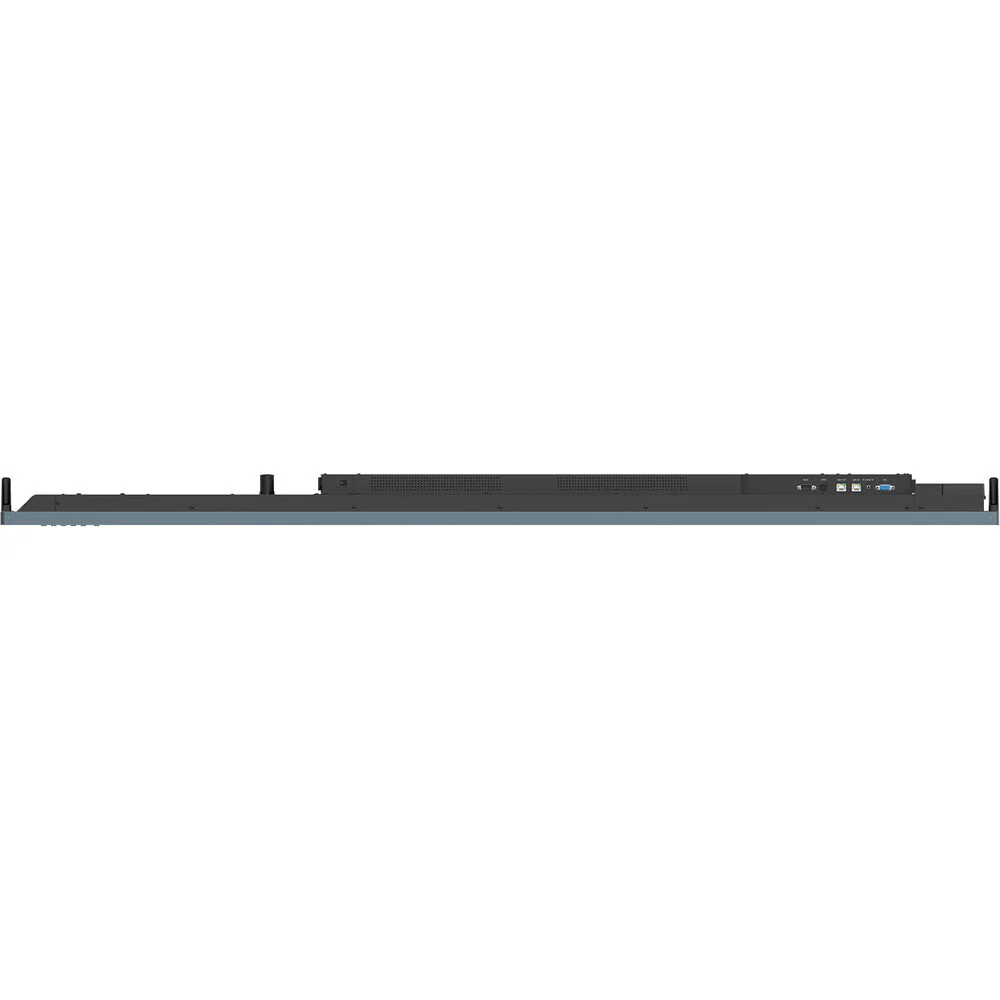
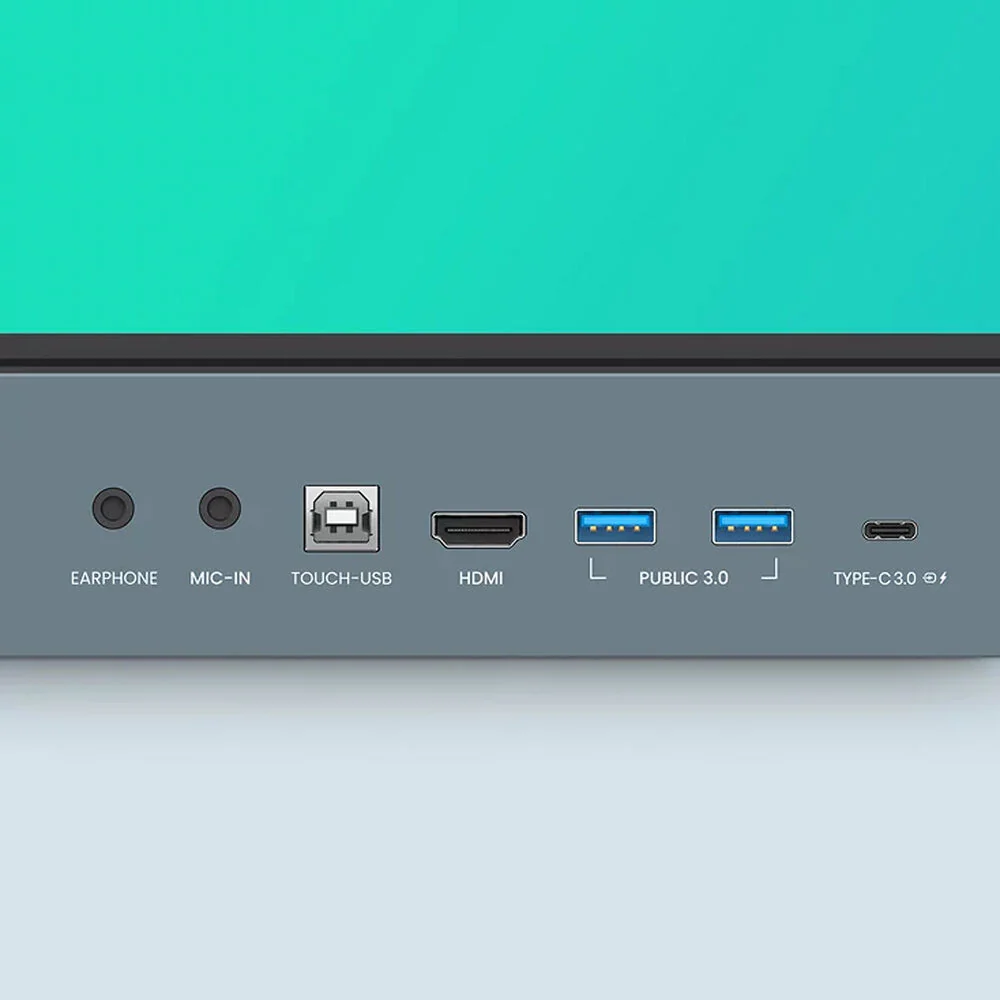
1x HDMI 2.0 1x 1/8" / 3.5 mm (Analog Audio) Side 1x DisplayPort 1.2 2x HDMI 2.0 Bottom 1x DE-15/DB-15 (VGA) 1x 1/8" / 3.5 mm (Analog Audio) |
| Outputs |
Front
1x 1/8" / 3.5 mm (Headphone) Side 1x HDMI 2.0 Bottom 1x TOSLINK Optical (Digital Audio) |
| Wireless |
Wi-Fi 6 (802.11ax) / Bluetooth 5.2
|
| USB I/O |
Front
1x USB-C 3.0 / 3.1/3.2 Gen 1 (DisplayPort Alt Mode/Charging) 2x USB-A 3.0 / 3.1/3.2 Gen 1 (Photo/Audio/Control/Video) 1x USB-B (Unspecified Version) (Touchscreen Control) Side 1x USB-C (Unspecified Version) (Photo/Audio/Control/Video) 1x USB-A 2.0 (Photo/Audio/Control/Video) 1x USB-B 2.0 (Touchscreen Control) |
| Ethernet I/O |
Bottom: 2x RJ45 Gigabit Ethernet
|
| Other I/O |
Bottom
1x DE-9/DB-9 Serial (RS-232C) Control Input |
| Built-In Speakers |
Yes, 2x 20 W
|
| Media Card Reader |
1x microSD (Unspecified Type)
|
| Display Size |
75"
|
| Panel Type |
IPS-Type LCD
|
| Aspect Ratio |
16:9
|
| Display Orientation |
Landscape
|
| Native Resolution |
3840 x 2160
|
| Maximum Brightness |
450 nits / cd/m2
|
| Lighting System |
Direct LED
|
| HDR Support |
No
|
| Contrast Ratio |
1200:1
|
| Dynamic Contrast Ratio |
30,000:1
|
| Response Time |
8 ms
|
| Refresh Rate |
60 Hz
|
| Color Support |
1.07 Billion Colors (10-Bit)
|
| Color Gamut |
72% NTSC
|
| Viewing Angle (H x V) |
178 x 178°
|
| Finish |
Anti-Glare / Matte, Anti-Bacterial
|
| Touchscreen |
Yes, Infrared (IR)
|
| Multi-Touch Points |
40
|
| Hardness Rating |
9H
|
| TV Tuner |
No
|
| Inputs |
Front
1x HDMI 2.0 1x 1/8" / 3.5 mm (Analog Audio) Side 1x DisplayPort 1.2 2x HDMI 2.0 Bottom 1x DE-15/DB-15 (VGA) 1x 1/8" / 3.5 mm (Analog Audio) |
| Outputs |
Front
1x 1/8" / 3.5 mm (Headphone) Side 1x HDMI 2.0 Bottom 1x TOSLINK Optical (Digital Audio) |
| HDCP Support |
Yes
|
| Wireless |
Wi-Fi 6 (802.11ax) / Bluetooth 5.2
|
| Connection Protocols |
Chromecast built-in
|
| NFC |
Yes
|
| USB I/O |
Front
1x USB-C 3.0 / 3.1/3.2 Gen 1 (DisplayPort Alt Mode/Charging) 2x USB-A 3.0 / 3.1/3.2 Gen 1 (Photo/Audio/Control/Video) 1x USB-B (Unspecified Version) (Touchscreen Control) Side 1x USB-C (Unspecified Version) (Photo/Audio/Control/Video) 1x USB-A 2.0 (Photo/Audio/Control/Video) 1x USB-B 2.0 (Touchscreen Control) |
| Ethernet I/O |
Bottom: 2x RJ45 Gigabit Ethernet
|
| Other I/O |
Bottom
1x DE-9/DB-9 Serial (RS-232C) Control Input |
| Number of OPS/Expansion Slots |
1
|
| Ambient Light Sensor |
Yes
|
| Multi-Input Support (PIP/PBP) |
No
|
| Built-In Speakers |
Yes, 2x 20 W
|
| Speaker Configuration |
2-Channel
|
| Smart TV |
Yes, Android 13
|
| CPU |
Quad-Core:
A73 (4 Core) A53 (4 Core) |
| Storage |
64 GB
|
| RAM |
8 GB
|
| OS Compatibility |
Computer: Windows / Linux / macOS / Chrome OS
Mobile: Android/iOS |
| Media Card Reader |
1x microSD (Unspecified Type)
|
| Built-In Mic |
No
|
| Supported Video File Types |
3GP, AVI, FLV, H.264/AVC, H.265/HEVC, M2TS, M4V, MJPEG, MKV, MOV, MP4, MPEG, MPEG2, MPEG4, MTS, PMP, RMVB, TP, TS, VC-1, VOB, VP8, VP9, WEBM, WMV, WMV3, Xvid
|
| Power Consumption |
Typical: 73.9 W
Standby: < 0.5 W |
| Input Power |
100 to 240 VAC, 50 / 60 Hz
|
All product and company names are trademarks™ or registered® trademarks of their respective holders. Use of them does not imply any affiliation with or endorsement by them.
Product Information
Product Information
Shipping & Returns
Shipping & Returns
Description
BenQ Board Essential RE04 Overview
Get the tools you need for effective interactive education with the BenQ Board Essential RE04 Series 75" UHD 4K Touchscreen Commercial Monitor. The RE7504 is a 450 nits bright display powered by Android 13 OS which comes loaded with built-in access to Google apps and services.
Designed for classrooms, it features up to 40 touch points for multiple users at the same time. The IR touch on zero-gap bonded glass provides a smooth and accurate interactive experience. Connect a wide variety of devices via HDMI, DisplayPort, VGA, USB-C, or wireless screenshare and annotate freely with the included EZWrite whiteboard software.
Use the whiteboard to develop ideas together for any subject, using any device, and from any location. Open PowerPoint, Word, Excel, and PDF files to teach with and make notes on during class. When you�re done, save the lesson as an editable whiteboard file to pick up where you left off or as a PDF for students to review at home.
Cloud whiteboarding lets students join the session from their seats or even from home. Remote students can use the whiteboard as if they were right on the display.
InstaShare 2 does more than screen sharing. You can also cast photos, videos, or your live camera feed for more dynamic presentations and discussions. Even with multiple students sharing, it�s easy to take control of the session on InstaShare 2. You can select which screens to show or hide, decline sharing requests, and even block inappropriate content with AI.
You can remotely monitor and manage all your BenQ devices. Install, update, and delete apps from a single dashboard that also lets you push firmware updates and set startup and shutdown times.
- Built-in dual 20W speakers
- IP5X dust protection
- Integrated Wi-Fi 6 and Bluetooth 5.2
Items Included
- BenQ Board Essential RE04 Series 75" UHD 4K Touchscreen Commercial Monitor
- Power Cord
- Remote Control
- VGA Cable
- HDMI Cable
- USB-B to USB-A Cable
- USB-C Cable
- 2 x Touch Pen
- Wall Mount with Screws
- Limited 3-Year Manufacturer Warranty
Additional Resources
BenQ Board Essential RE04 Specs
| Display Size |
75"
|
| Native Resolution |
3840 x 2160
|
| Maximum Brightness |
450 nits / cd/m2
|
| Touchscreen |
Yes, Infrared (IR)
|
| Inputs |
Front
1x HDMI 2.0 1x 1/8" / 3.5 mm (Analog Audio) Side 1x DisplayPort 1.2 2x HDMI 2.0 Bottom 1x DE-15/DB-15 (VGA) 1x 1/8" / 3.5 mm (Analog Audio) |
| Outputs |
Front
1x 1/8" / 3.5 mm (Headphone) Side 1x HDMI 2.0 Bottom 1x TOSLINK Optical (Digital Audio) |
| Wireless |
Wi-Fi 6 (802.11ax) / Bluetooth 5.2
|
| USB I/O |
Front
1x USB-C 3.0 / 3.1/3.2 Gen 1 (DisplayPort Alt Mode/Charging) 2x USB-A 3.0 / 3.1/3.2 Gen 1 (Photo/Audio/Control/Video) 1x USB-B (Unspecified Version) (Touchscreen Control) Side 1x USB-C (Unspecified Version) (Photo/Audio/Control/Video) 1x USB-A 2.0 (Photo/Audio/Control/Video) 1x USB-B 2.0 (Touchscreen Control) |
| Ethernet I/O |
Bottom: 2x RJ45 Gigabit Ethernet
|
| Other I/O |
Bottom
1x DE-9/DB-9 Serial (RS-232C) Control Input |
| Built-In Speakers |
Yes, 2x 20 W
|
| Media Card Reader |
1x microSD (Unspecified Type)
|
| Display Size |
75"
|
| Panel Type |
IPS-Type LCD
|
| Aspect Ratio |
16:9
|
| Display Orientation |
Landscape
|
| Native Resolution |
3840 x 2160
|
| Maximum Brightness |
450 nits / cd/m2
|
| Lighting System |
Direct LED
|
| HDR Support |
No
|
| Contrast Ratio |
1200:1
|
| Dynamic Contrast Ratio |
30,000:1
|
| Response Time |
8 ms
|
| Refresh Rate |
60 Hz
|
| Color Support |
1.07 Billion Colors (10-Bit)
|
| Color Gamut |
72% NTSC
|
| Viewing Angle (H x V) |
178 x 178°
|
| Finish |
Anti-Glare / Matte, Anti-Bacterial
|
| Touchscreen |
Yes, Infrared (IR)
|
| Multi-Touch Points |
40
|
| Hardness Rating |
9H
|
| TV Tuner |
No
|
| Inputs |
Front
1x HDMI 2.0 1x 1/8" / 3.5 mm (Analog Audio) Side 1x DisplayPort 1.2 2x HDMI 2.0 Bottom 1x DE-15/DB-15 (VGA) 1x 1/8" / 3.5 mm (Analog Audio) |
| Outputs |
Front
1x 1/8" / 3.5 mm (Headphone) Side 1x HDMI 2.0 Bottom 1x TOSLINK Optical (Digital Audio) |
| HDCP Support |
Yes
|
| Wireless |
Wi-Fi 6 (802.11ax) / Bluetooth 5.2
|
| Connection Protocols |
Chromecast built-in
|
| NFC |
Yes
|
| USB I/O |
Front
1x USB-C 3.0 / 3.1/3.2 Gen 1 (DisplayPort Alt Mode/Charging) 2x USB-A 3.0 / 3.1/3.2 Gen 1 (Photo/Audio/Control/Video) 1x USB-B (Unspecified Version) (Touchscreen Control) Side 1x USB-C (Unspecified Version) (Photo/Audio/Control/Video) 1x USB-A 2.0 (Photo/Audio/Control/Video) 1x USB-B 2.0 (Touchscreen Control) |
| Ethernet I/O |
Bottom: 2x RJ45 Gigabit Ethernet
|
| Other I/O |
Bottom
1x DE-9/DB-9 Serial (RS-232C) Control Input |
| Number of OPS/Expansion Slots |
1
|
| Ambient Light Sensor |
Yes
|
| Multi-Input Support (PIP/PBP) |
No
|
| Built-In Speakers |
Yes, 2x 20 W
|
| Speaker Configuration |
2-Channel
|
| Smart TV |
Yes, Android 13
|
| CPU |
Quad-Core:
A73 (4 Core) A53 (4 Core) |
| Storage |
64 GB
|
| RAM |
8 GB
|
| OS Compatibility |
Computer: Windows / Linux / macOS / Chrome OS
Mobile: Android/iOS |
| Media Card Reader |
1x microSD (Unspecified Type)
|
| Built-In Mic |
No
|
| Supported Video File Types |
3GP, AVI, FLV, H.264/AVC, H.265/HEVC, M2TS, M4V, MJPEG, MKV, MOV, MP4, MPEG, MPEG2, MPEG4, MTS, PMP, RMVB, TP, TS, VC-1, VOB, VP8, VP9, WEBM, WMV, WMV3, Xvid
|
| Power Consumption |
Typical: 73.9 W
Standby: < 0.5 W |
| Input Power |
100 to 240 VAC, 50 / 60 Hz
|
All product and company names are trademarks™ or registered® trademarks of their respective holders. Use of them does not imply any affiliation with or endorsement by them.